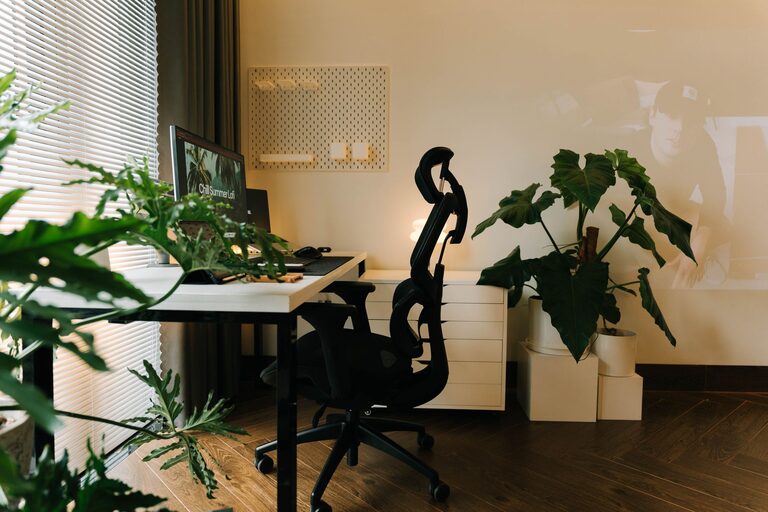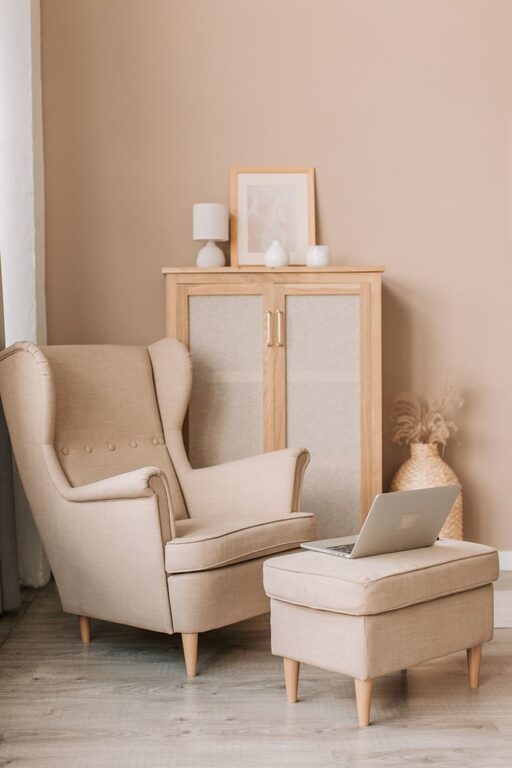
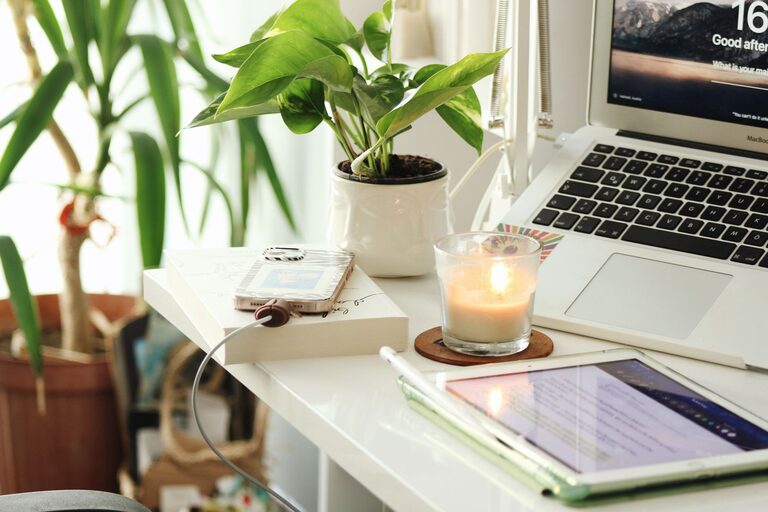
Creating a relaxing home workspace is essential for maintaining focus, reducing stress, and boosting productivity throughout your workday. When your home office feels comfortable and inviting, it can motivate you to stay engaged and make each task feel more manageable. Whether you work remotely full-time or occasionally work from home, implementing some thoughtful changes to your workspace can make a significant difference.
In this post, we’ll explore practical tips to create a calm and productive home office environment.
Choose the Right Location
The first step in setting up a relaxing home workspace is selecting the best spot in your home.
– Quiet Area: Find a space away from high-traffic areas to minimize noise and distractions.
– Natural Light: Position your desk near a window if possible, as natural light can improve mood and alertness.
– Privacy: Consider a room where you can close the door or have some degree of separation from other household activities.
If space is limited, a corner of a room or a dedicated desk space can still work well with the right organization and setup.
Invest in Comfortable, Ergonomic Furniture
Comfort is key for prolonged periods of work. Ergonomic furniture not only supports physical health but also helps you stay focused.
– Ergonomic Chair: Look for an adjustable chair that supports your lower back and promotes good posture.
– Desk Height: Ensure your desk is at a comfortable height, allowing your arms to rest naturally while typing.
– Footrest and Accessories: If necessary, use a footrest or keyboard tray to reduce strain.
Proper comfort helps prevent fatigue and discomfort, which can distract from your tasks.
Declutter and Organize Your Space
A cluttered workspace can increase stress and reduce productivity. Keeping your area tidy promotes a clearer mind.
– Minimal Essentials: Keep only necessary items on your desk.
– Storage Solutions: Use shelves, drawers, and organizers to store supplies out of sight.
– Daily Clean-Up: Develop a habit of tidying your workspace at the end of each day.
Organizing your space also makes it easier to find what you need quickly, saving time and frustration.
Use Calming Colors and Decor
The colors and decorations you choose influence the atmosphere of your workspace and can impact your mood.
– Soothing Colors: Soft blues, greens, and neutrals are known to have calming effects.
– Personal Touches: Add items that inspire you or bring comfort, like plants, artwork, or family photos.
– Avoid Overcrowding: Keep decorations simple and purposeful to avoid distractions.
Plants, for example, not only add color but can improve air quality, contributing to a healthier environment.
Control Lighting for Comfort
Lighting plays a big role in both relaxation and productivity.
– Natural Light: Maximize daylight while avoiding glare on screens.
– Task Lighting: Use adjustable desk lamps for focused lighting during detailed work.
– Soft Ambient Light: Consider warm bulbs for a cozy atmosphere, especially when working late.
Good lighting reduces eye strain and helps maintain energy levels.
Minimize Noise and Distractions
Reducing noise and interruptions supports concentration and calm.
– Noise-Canceling Headphones: These can help block background sounds.
– White Noise or Soft Music: Some find consistent, gentle sounds improve focus.
– Set Boundaries: Communicate your working hours to household members to minimize disruptions.
If external noise is unavoidable, consider soundproofing options like rugs or curtains to absorb sound.
Incorporate Relaxation Breaks
Even in a productive workspace, regular breaks are vital to prevent burnout.
– Scheduled Breaks: Use timers or apps to remind you to step away every hour.
– Stretching or Movement: Simple stretches can relieve tension and increase blood flow.
– Mindfulness or Breathing Exercises: Short relaxation techniques can reduce stress and refresh your mind.
Creating a dedicated break area nearby can also help mentally separate work from rest.
Keep Technology Organized and Updated
Technology is essential for most home workspaces, but it can contribute to clutter and frustration.
– Cable Management: Use clips, sleeves, or boxes to keep cords neat.
– Update Software: Keep your devices up-to-date for better performance.
– Ergonomic Accessories: Consider using wireless keyboards and mice to increase mobility and reduce strain.
A well-maintained tech setup leaves you less distracted and more efficient.
Personalize Your Workspace with Flexibility in Mind
Your work needs might change, so having a flexible environment can be helpful.
– Adjustable Furniture: Items like standing desks or adjustable chairs allow you to shift positions.
– Modular Storage: Use storage that can be moved or reconfigured as needed.
– Multi-Functional Spaces: If your workspace doubles as another room, use screens or room dividers for separation.
Adaptable spaces can reduce stress and better support changing tasks or moods.
—
By thoughtfully designing your home workspace with these tips, you can create a relaxing environment that supports your productivity and well-being. Small changes can lead to big improvements in how you feel and perform throughout your workday. Take the time to make your workspace a place you enjoy being—it’s an investment in your success.